Similar Posts
Ingeniux – Content Component
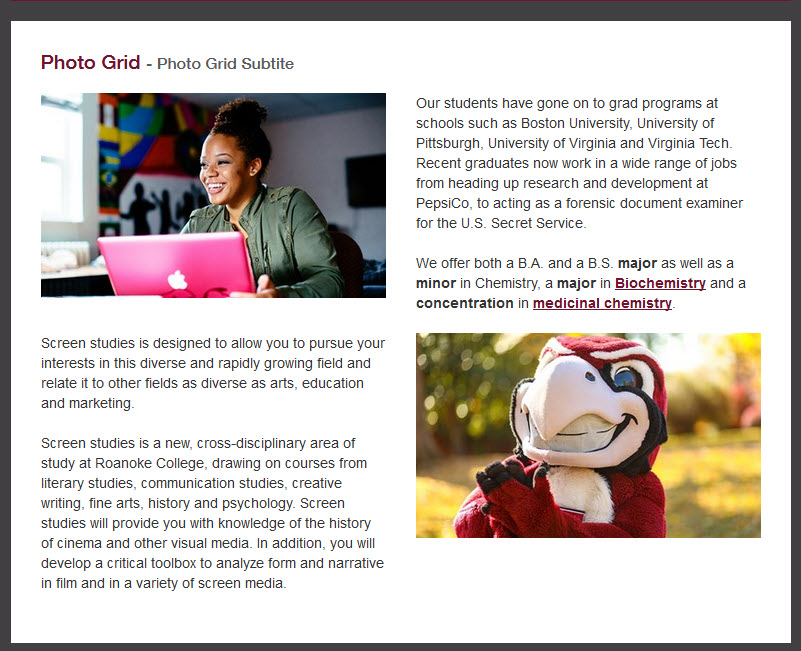
ByhelpdeskThe content module can support any type of formatted rich text. The module will include a WYSIWYG content editor. In addition to a standard WYSIWYG content block, the module will support a number of additional options: Title Subtitle Two different design treatments -Yellow Headline and Grey Header Photo above the headline. Only a photo
Ingeniux – Video Module
ByhelpdeskThe video module enables the CMS author to feature a specific video. Clicking the “watch video” icon links the user to the video detail page. The video title, subtitle, and caption can be automatically fed from the CMS entry for the video, or overridden for this module. The title, subtitle, and caption can also be…
Ingeniux – Add a Component
ByhelpdeskAdd a component is as simple and dragging and dropping it on the page. You can choose any of the components listed in the training. Note: Some older pages might not have the drag target set, in this case, create one: Select the Page Builder section Add a Content Section Click the Checkmark Drag a…
Ingeniux – Clear Empty Content Blocks
ByhelpdeskOn some Inside Roanoke pages, you may get an error about an Empty Content block when trying to check a page in. The error will look like this: To resolve this error, you will need to find and clear any Content Elements. The best way to find these is to use the Form view in…
Edit a Page in Ingeniux
ByhelpdeskFind the page you want to edit by Site Tree the tree on the left. Click the down arrow icon next to “Ingeniux CMS” Until you see the page you want to edit. If you do not see the page you are searching for, make sure that you have the tree fully expanded by clicking…
Ingeniux: What is a CMS?
ByhelpdeskWhat is a Content Management System (CMS)? Roanoke College uses Ingeniux CMS to manage all web content. All pages that start with https://www.roanoke.edu are in the CMS You just focus on the content of your site, and the CMS does all the design for you. You don’t need to be an expert in Web Design,…