Ingeniux – Photo Grid
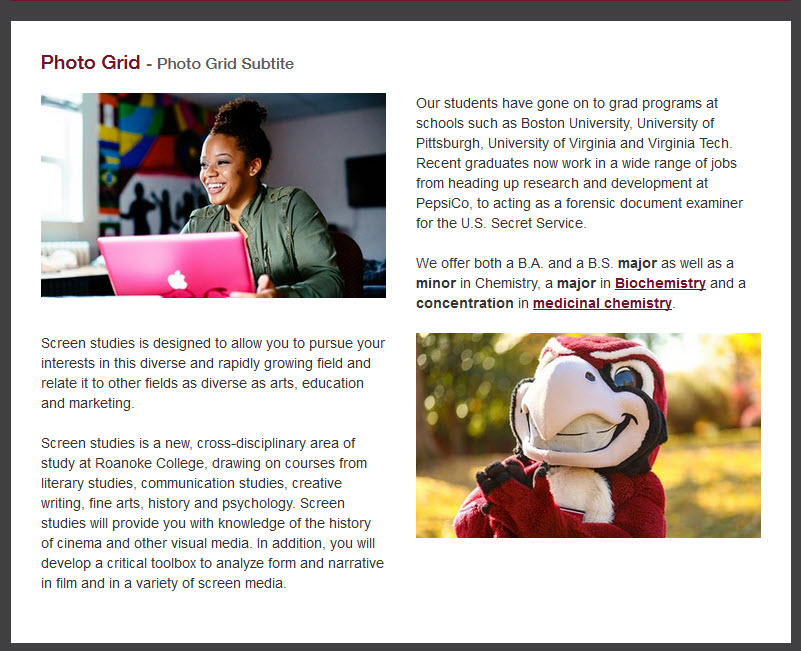
Photo Grid Has
- Title
- Subtitle
- Design Treatment
- Layout
- 2 Column
- 4 Column
- Top Content
- Repeatable Photo Rows, With:
- Photo
- Content
- Photo Alignment
- Left
- Right
- Bottom Content

The news story module allows the CMS author to feature a specific news story, or automatically feed in a story from a particular category. Options: Pulls static locked-in story that CMS author chooses. Pulls in the latest story from a specific category (e.g. Biology) There are multiple design treatments available for this module. Horizontal Vertical
Add a component is as simple and dragging and dropping it on the page. You can choose any of the components listed in the training. Note: Some older pages might not have the drag target set, in this case, create one: Select the Page Builder section Add a Content Section Click the Checkmark Drag a…
The event listing module displays a number of news stories. Which category stories will be shown (or all). How many events will be shown
Assets can be cropped or resized inside of the Asset Manager. Note: Images can not be more than 2000 pixels wide. The max width of an image on the desktop site is 780 pixels, so images larger than this will need to be resized. You can make bigger images smaller, but not smaller images bigger….
Highlight the text you wish to link. Then right-click and select Insert Link. Select Email at the top Under E-Mail, type in the full email address and then click Insert.
What is a Content Management System (CMS)? Roanoke College uses Ingeniux CMS to manage all web content. All pages that start with https://www.roanoke.edu are in the CMS You just focus on the content of your site, and the CMS does all the design for you. You don’t need to be an expert in Web Design,…